Governance
Societies, towers, units, roles, approvals, and staff permissions stay controlled from one admin layer.
Admin panel
AWASAN Admin gives business teams and society authorities a complete desktop workspace for governance, residents, security, helpdesk, facilities, finance, reporting, and sponsorship revenue.
Admin operating system
The admin panel turns daily society complexity into clear dashboards, approval queues, audit trails, and business reports.
Societies, towers, units, roles, approvals, and staff permissions stay controlled from one admin layer.
Visitors, security logs, helpdesk tickets, facilities, bookings, vendors, and emergencies remain visible.
Collections, invoices, dues, reconciliation, ledgers, and society-level reports support business decisions.
Sponsorship campaigns, placements, categories, performance, and society value are managed with approval controls.
Executive overview
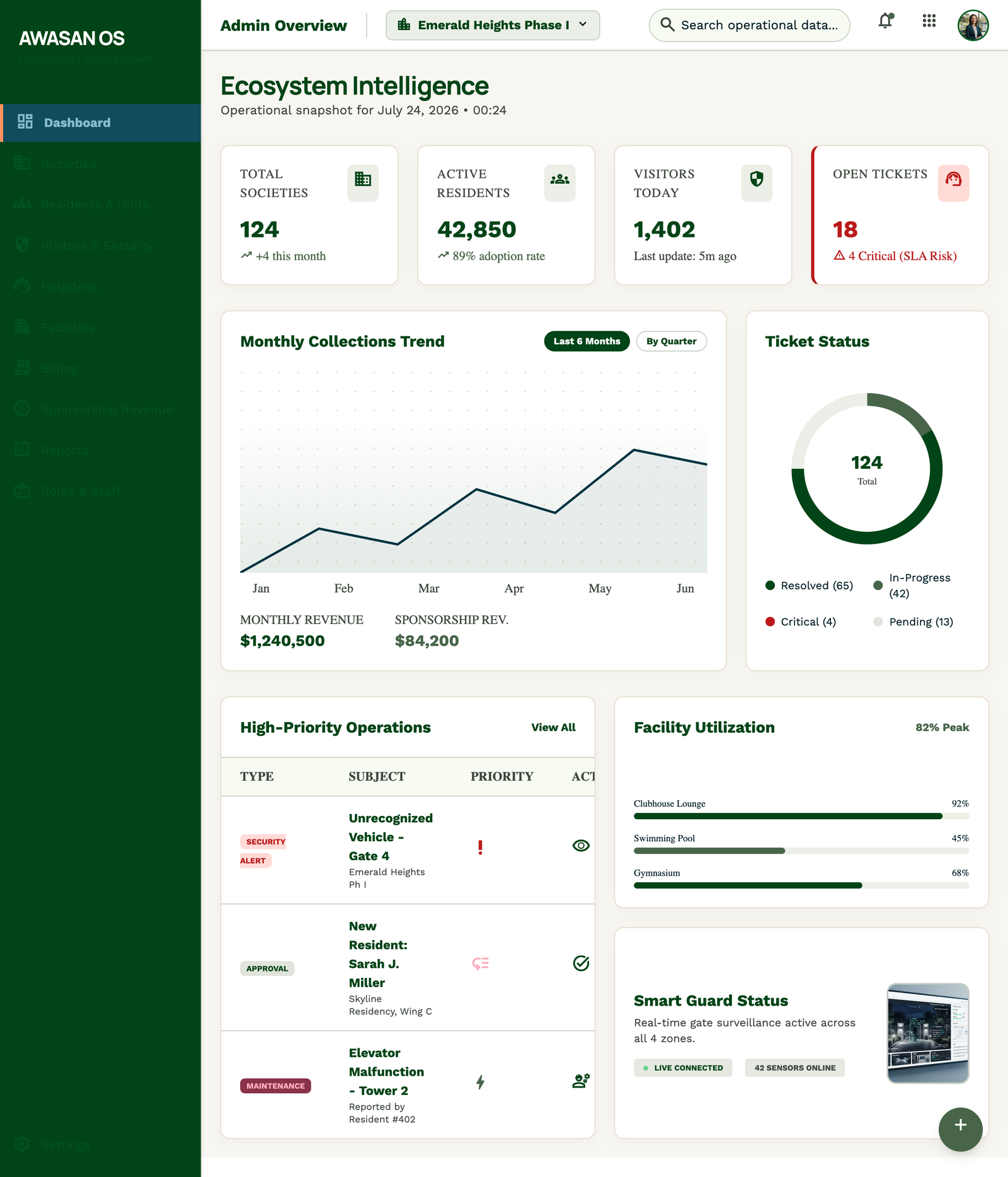
A central command center for society health, visitor movement, open tickets, collections, facility usage, community offers, and SLA risk.
Society health
Visitor activity
Collections
SLA risk
Property setup
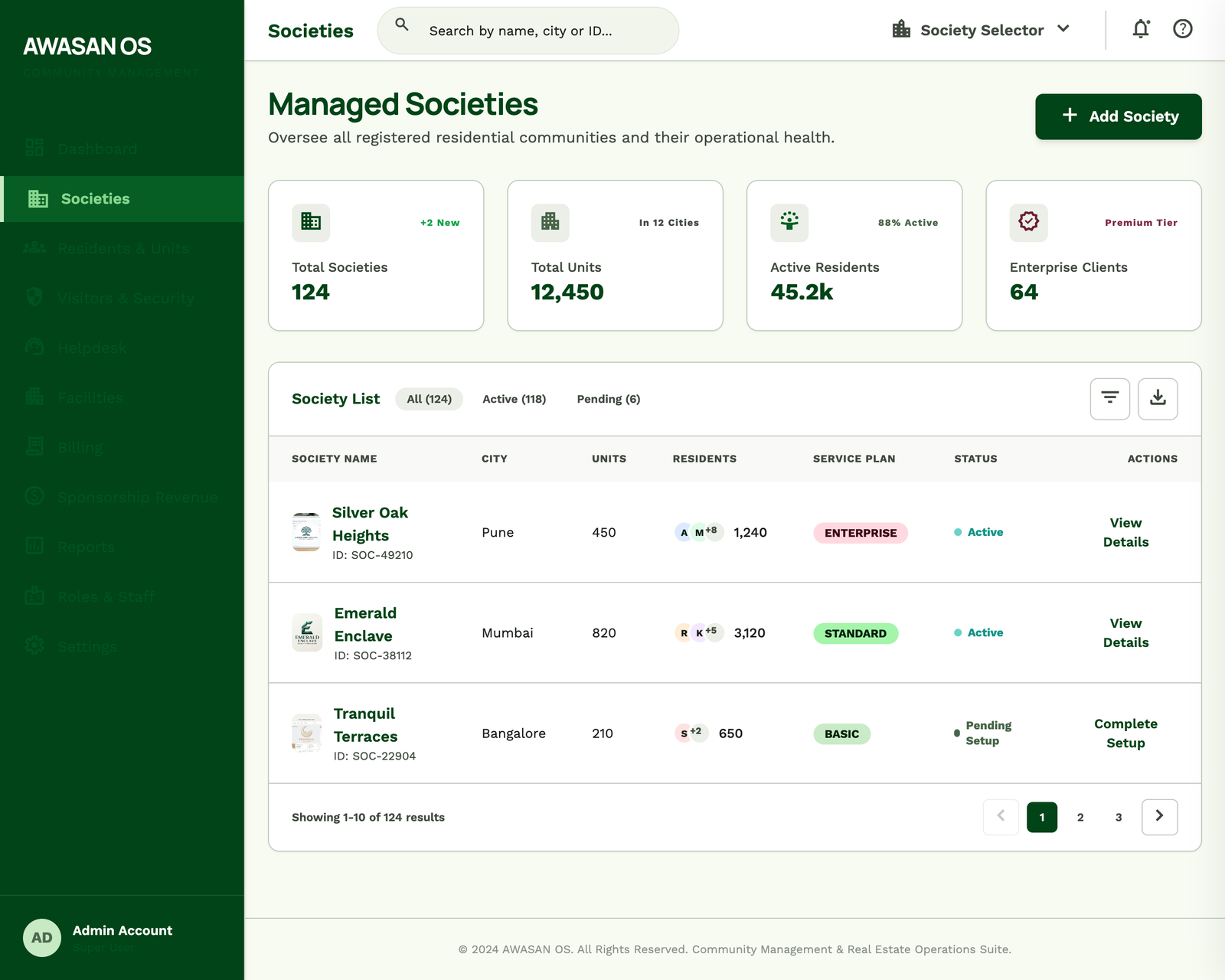
Admin teams manage societies, towers, units, facility rules, contacts, operating status, and onboarding readiness from one structured workspace.
Society records
Tower setup
Facility rules
Admin contacts
Identity control
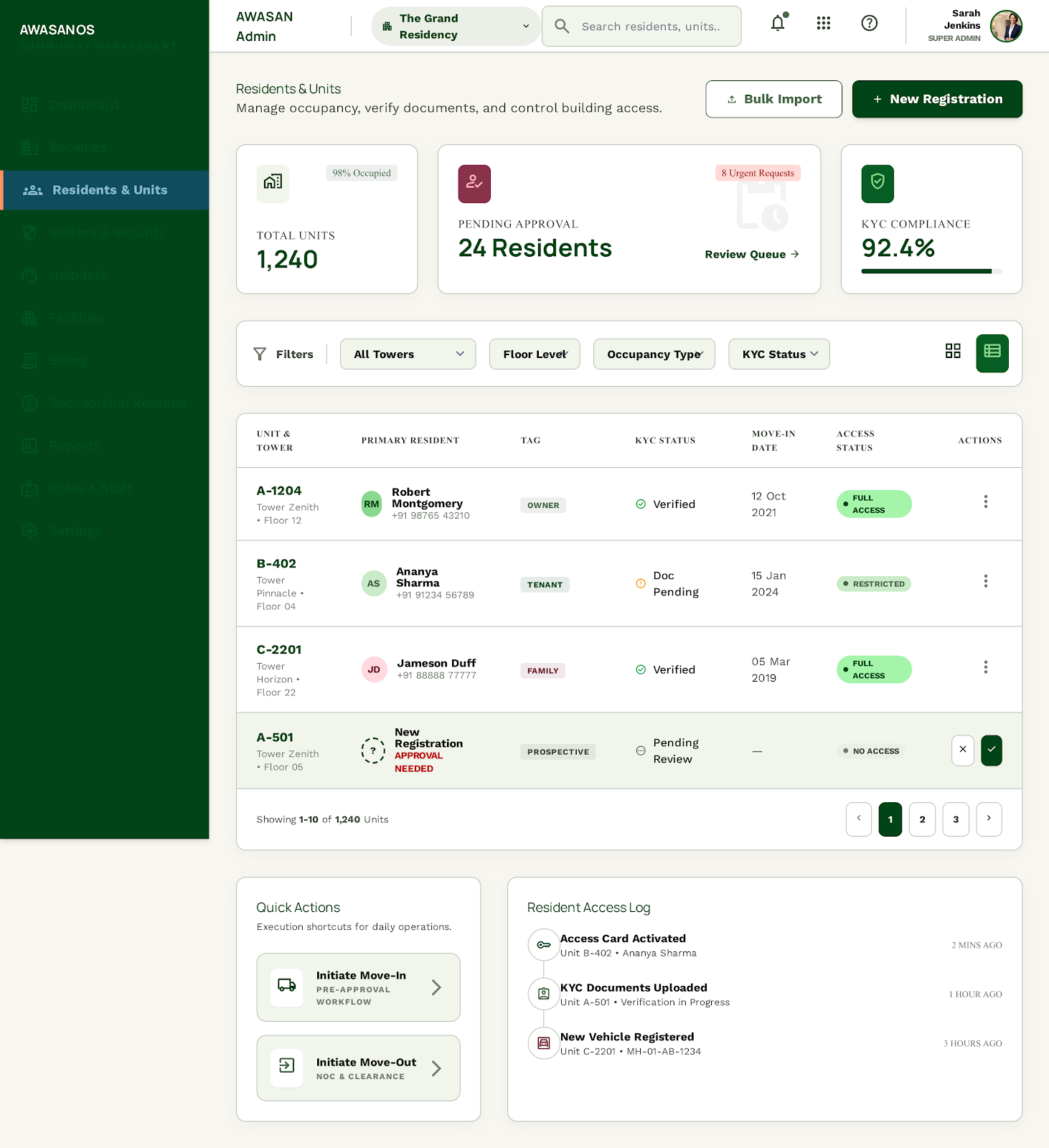
Owners, tenants, family members, unit roles, approvals, documents, and access status stay visible for controlled community operations.
Owner and tenant roles
Family access
Approval queue
Document status
Gate governance
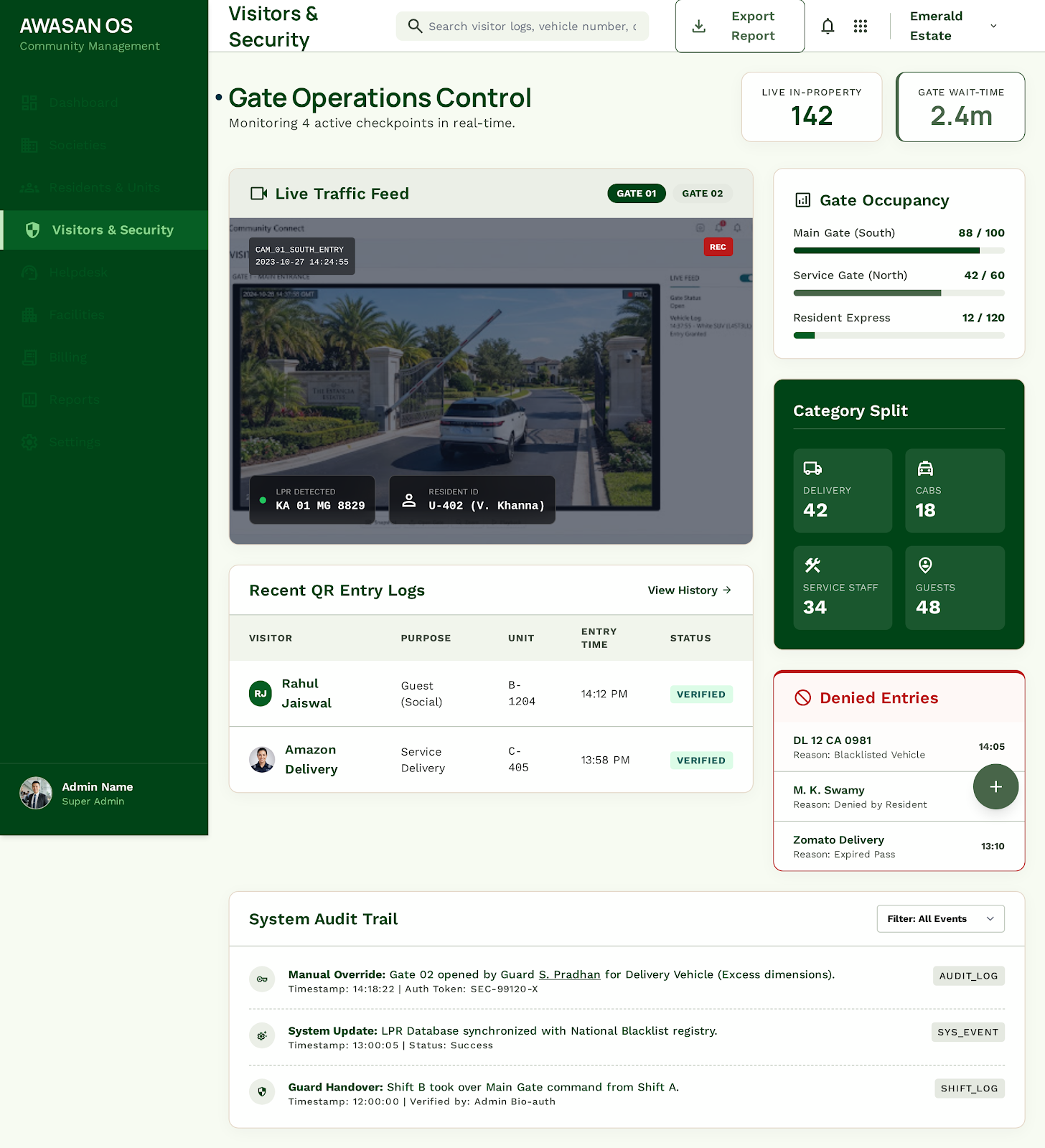
Security oversight combines gate logs, QR pass activity, denied entries, visitor categories, vehicle details, and audit trails.
Gate logs
QR passes
Denied entries
Audit trail
SLA control
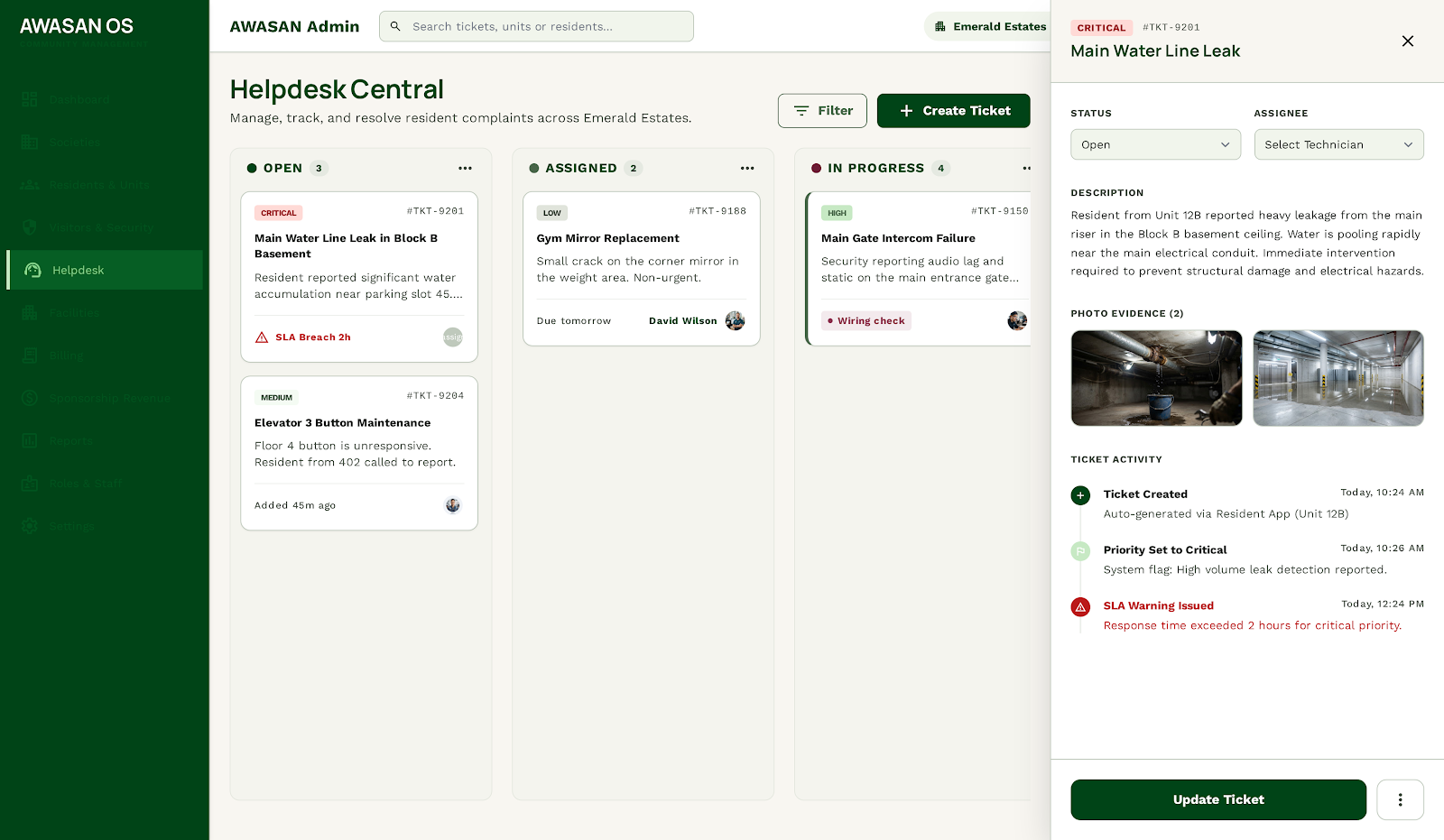
Admins track complaints by priority, SLA status, assignment, technician progress, attachments, timeline, and resolution quality.
Ticket board
Priority badges
Technician assignment
SLA warnings
Business module
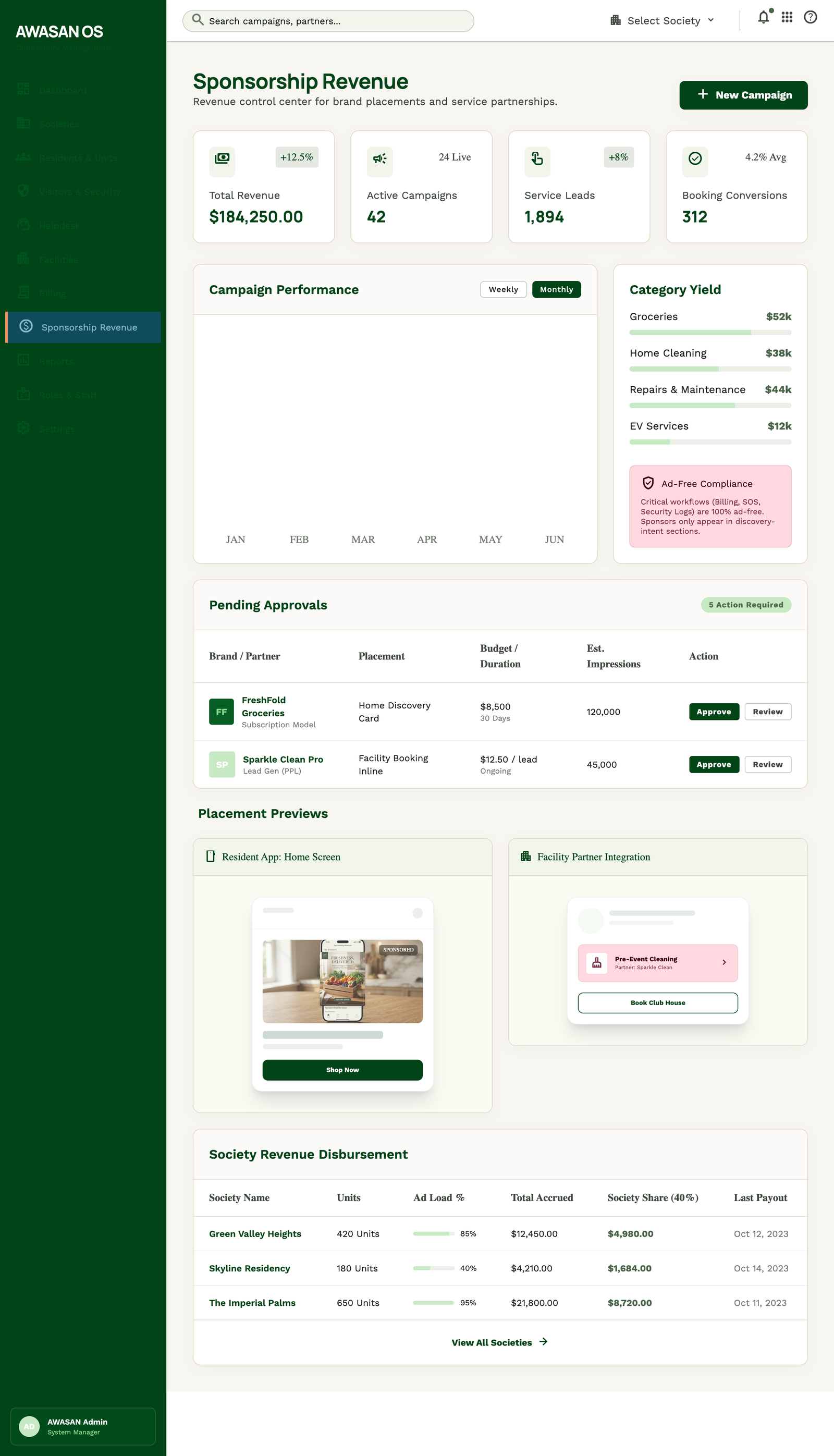
Admin teams approve community offers, manage placements, control categories, review partner performance, and show measurable society value.
Campaign approvals
Placement controls
Partner performance
Society value
Secure access
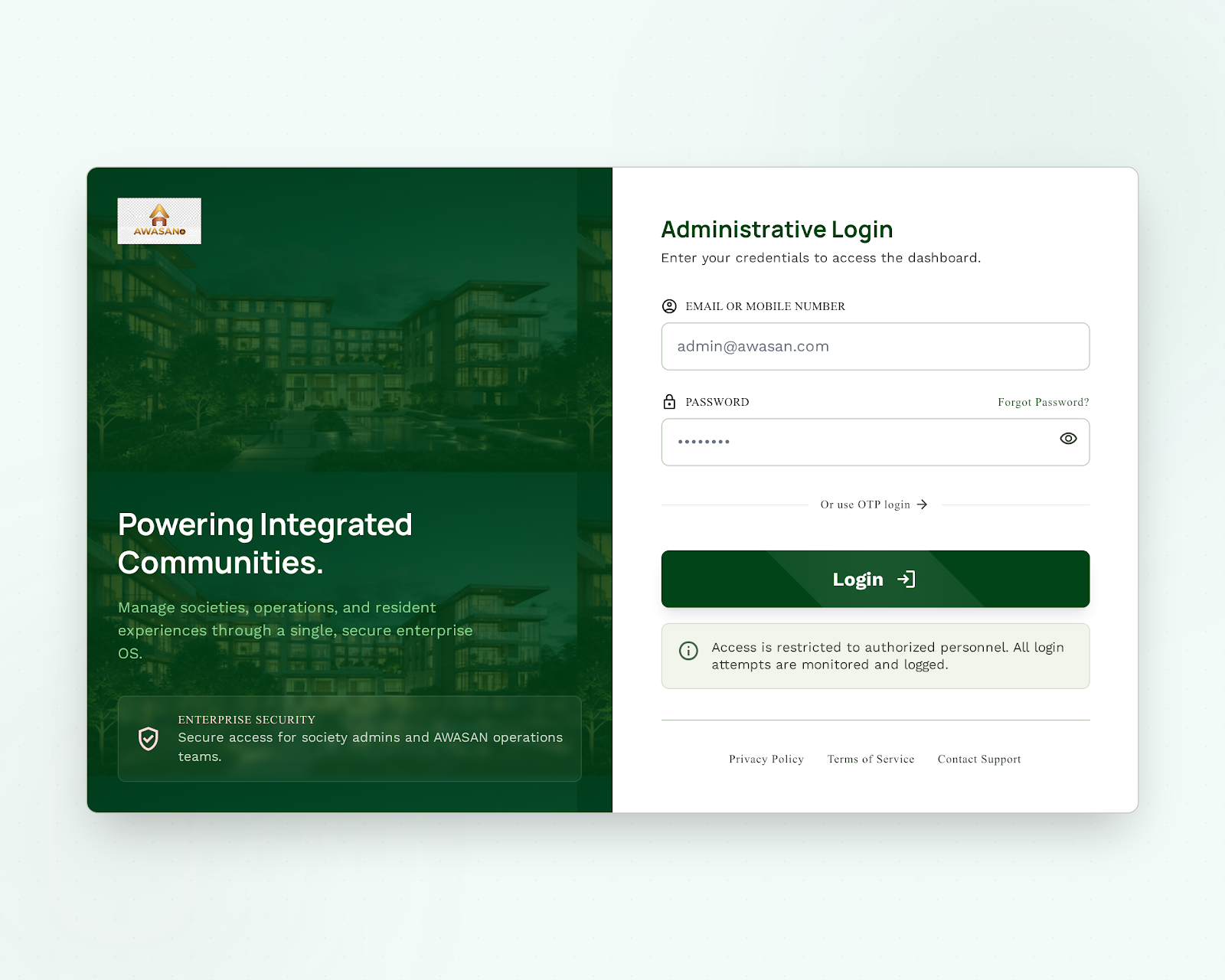
Admin access is positioned as a secure business workspace for authorized operators, finance users, managers, and society authorities.
Society, tower, unit, resident, staff, and permission management.
Visitor, helpdesk, billing, facility, vendor, and security oversight.
Community offer controls for category approval, placement rules, and performance.
Reports for operations, collections, resident activity, and service quality.